

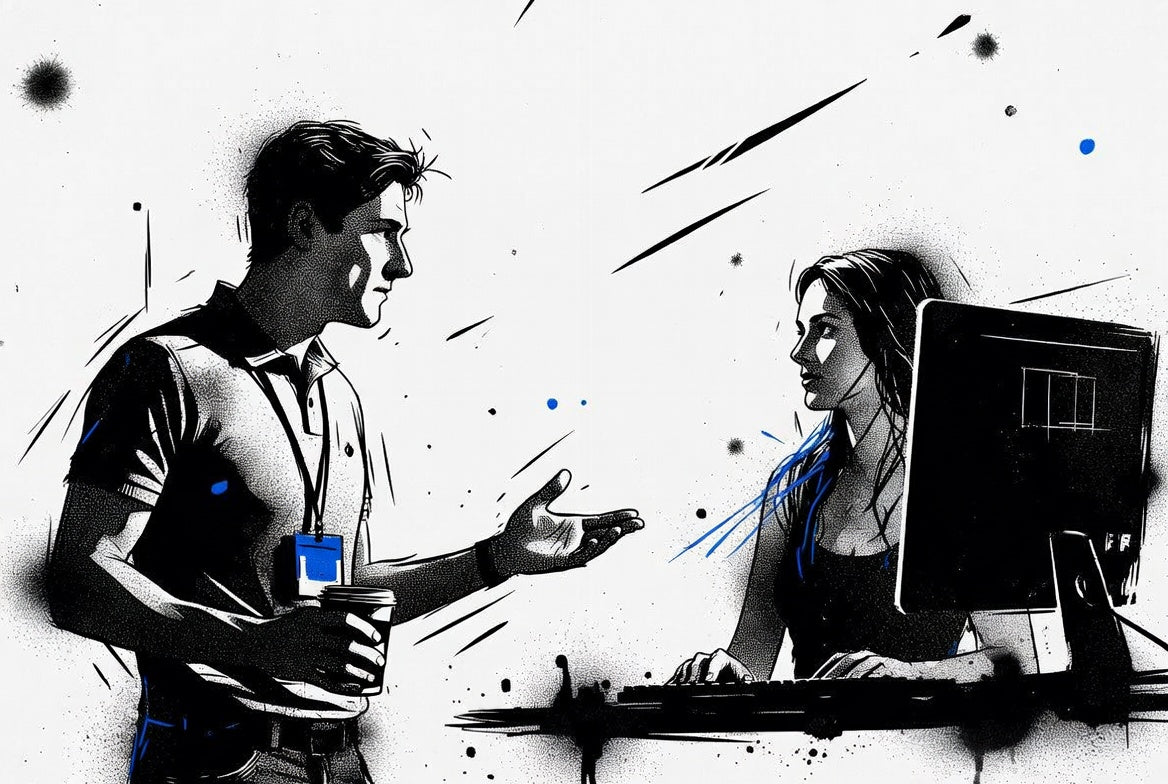
"While we were chatting at her desk, I quietly plugged in my dropbox under the desk and placed the keylogger between the keyboard and computer. I kept the conversation going to keep her focused on me, not what I was doing. 'Have you had any issues with network lag or dropped calls lately?' I asked casually. 'We're pushing some upgrades and just checking stability. Oh, your screen is locked. Mind logging back in real quick? And go ahead and save anything you've got open, just in case.'"
Assessment Background
Most of the time, we're testing security at large corporate headquarters or DoD installations, places with multi-million-dollar systems and complex infrastructure. But every now and then, we get pulled into something smaller and more under the radar. That was the case here: a small data processing office tucked into a quiet suburban neighborhood.
Because of the scale and budget, this one was a solo run. No team, no backup, just one operator handling everything from entry and recon to exploitation. These kinds of jobs come with their own challenges. You don't have the same layers of defense as you would at a high-profile facility, but that doesn't mean they're easier. If anything, they force you to slow down, adapt, and think differently. Face-to-face interactions are unavoidable in smaller buildings, and the smaller staff means they recognize who belongs and who doesn't. You'd better have a solid reason for being there.
There wasn't much background on the target provided beforehand, so this was a cold assessment. I didn't have the luxury of running regular reconnaissance or gathering useful OSINT the way I typically do. That meant relying on instinct, experience, and improvisation, scanning for gaps in awareness, testing behaviors, and figuring out how security was actually working day to day versus what might've been written in an outdated policy somewhere.
Even with the smaller footprint, there were meaningful takeaways. The scope was tight and the clock was ticking, so the approach had to be lean and efficient. In the end, I surfaced practical insights that helped the client get a better grip on their security posture and reminded us that every environment, big or small, deserves a tailored approach.
Passive Reconnaissance and Pretext Preparation
Without the usual client information we'd normally pull during pretexting, things like street view imagery or social media, I started with passive reconnaissance. I drove through the neighborhood in the kind of car nobody notices, scanning the area and getting a feel for the environment. The buildings came into view, and I identified the target among the quiet suburban offices.
The target looked like any other small business: plain, functional, and easy to overlook. I built my cover as "Kevin Alderson," a corporate networking specialist. Since the company didn't issue official employee badges to their satellite locations, I fabricated a convincing corporate badge and stuck it to a blank HID card to complete the look.
Dressed in casual, inconspicuous attire to match the local environment, I loaded my pockets with the tools I'd need: a preconfigured drop box for covert data collection, keyloggers to capture keystrokes, USB devices loaded with malicious payloads, and a Wi-Fi adapter configured to monitor and manipulate network traffic.
The goal was simple: get inside, build rapport, and see what access I could get.
Location 1
The office sat quiet, typical of any small business tucked away in a suburban strip. Glass walls, quiet hum of conversation, nothing to immediately set off alarms. As I stepped in, I scanned the room and clocked one employee in the middle of a conversation with a client. I spotted a vacant desk to the right. Perfect. No need to wait.
She glanced up and said, "I'll be with you in just a moment."
That was my window.
"Hey, sorry to interrupt. I know you're with a client, but I'm with Acme and here to test some of the new office network connections. Mind if I go ahead and get started over here while I wait?" I asked, nodding toward the empty desk.
She barely hesitated. "Oh... not that one. He's out today. I'm just finishing up here, then you can use mine."
Bingo.
She finished her meeting, waved me over, and just like that, I was sitting at her desk with access to her unlocked Windows session. Not a single question asked.
While we chatted casually, I got to work. I plugged the rogue wireless access point under the desk and placed a keylogger between the keyboard and the USB port, all while keeping the conversation moving to hold her attention away from my hands and the monitor.
"You had any dropped calls or network lag lately?" I asked. "We're making some backend upgrades and tracking reported latency issues. Oh, your screen is locked! Would you mind logging back in for me real quick? If you've got anything open, go ahead and save it too."
Pro tip: Tell someone that you're "fixing the slow network," and suddenly they'll tell you every issue. People love to vent about their tech problems, and they'll give you access just to feel heard.
She logged in, unknowingly feeding the keylogger her domain credentials, and giving me a full view of sensitive data. SSNs, financial records, everything out in the open. But the real gem? A handwritten password list stashed under her keyboard. Old habits die hard.
For the next 45 minutes, we made small talk. I asked questions, offered suggestions, and kept the rapport going by legitimately fixing smaller tech issues they'd been complaining about. When she mentioned her wireless keyboard had been acting up, I seized the opportunity.
"Looks like your USB receiver might be missing. I've got one that'll work... want me to plug it in?"
"If it'll help, go ahead."
There was no missing receiver. What I plugged in was a USB device loaded with tools, data storage, and the capability to exfiltrate everything I needed. I scraped password hashes, copied key files, and more. Once I was done, I quietly removed everything I'd implanted, thanked her, and walked out like I belonged there.
Location 2
The second site looked a lot like the first. Similar layout, same quiet strip-mall vibe. This time, I came armed with an incentive: coffee.
I walked in holding a full carrier of fresh, hot coffee and found Sarah at her desk while a maintenance guy named Todd talked her ear off about some repair work.
"Hey everyone," I said with a smile. "I'm with Acme, just here to test the network connections. Brought a few extra coffees and figured someone might need the boost as much as I do today."
They gave me the usual mix of confusion and suspicion. Todd asked, "What exactly are you doing here?"
"There was a ticket put in a while ago, probably buried in someone's inbox. We're handling a network migration after some outages at the Acme-XYZ office. Long day, lots of stops. I thought I'd share the caffeine."
Pro tip: Keep control of the conversation and redirect the questions. When Todd asked "What exactly are you doing here?" I gave a generic reply and then shifted the attention back to the coffees.
It worked. Things loosened up. Sarah laughed, grabbed a coffee, and handed one to Todd. "This one's black and seems more your speed."
Todd, satisfied, wandered off. With him out of the way, I turned my focus to Sarah.
"Mind locking your screen real quick so I can sit?"
She locked her screen, stepped aside, and I slid into place. I connected the same keylogger from Location 1 between the keyboard and machine.
"Could you log back in? I just need to run a few network tests."
She typed her credentials, completely unaware of the keylogger. While she watched, I started typing out basic commands: ping, tracert, the usual smoke and mirrors.
"I might need to have you log in a few times," I added casually. "Would you mind jotting down your login on a Post-It so I don't have to keep bothering you?"
I handed her the notepad.
Sarah laughed. "Sure... just don't judge my password."
"I won't judge or share it with anyone," I chuckled, "...not even the hackers."
As I kept working, pulling data, watching, listening, I made sure to keep the conversation going as a distraction. At one point, another employee walked in. I waved them over and folded them into the small talk, blending in like I belonged. By now, I had Sarah's full trust. If someone had asked her who I was, she probably would've vouched for me without a second thought. Bringing the new person into the conversation also built trust with them. They assumed I belonged there since Sarah and I were getting along, so there was no reason for suspicion.
By the time I wrapped up, I had everything I needed: her domain credentials, a private key, and details on the network architecture and internal files. I thanked them both and left, walking out with solid intel and not a single raised eyebrow behind me.
This engagement drove home a familiar truth: the biggest vulnerabilities aren't always technical. They're human, and they're usually holding the door open for you with a smile and a cup of coffee.
Baseline Security Issues
This assessment was a solid reminder that small offices, especially the ones that don't get much attention, can be just as vulnerable as major corporate sites. We've seen it over and over: the tools and policies might be in place, but if the people behind them aren't trained or paying attention, it all falls apart. Doors get left open. Someone smiles, says the right thing, and suddenly they're in. Credentials get typed in without hesitation, sometimes even handed over on a sticky note.
At both locations, it wasn't some advanced exploit or high-end gear that got me access. It was timing, confidence, and a believable story. Nothing flashy. Just knowing how to blend in and say the right thing at the right time. These weren't lucky breaks. They were breakdowns in process and awareness.
The upside? It's all preventable. With regular training on social engineering, better internal policies, and a mindset shift from trusting first to verifying first, even a small team can lock things down tight. Because the truth is, most threats don't look like threats. They look like someone who belongs. Maybe even someone bringing coffee.
Below are some of the baseline issues identified during this assessment:
Lack of Employee Verification Procedures
Employees allowed access to restricted work areas without verifying identity, credentials, or authorization. A fake badge and a confident introduction were all it took to walk in and start working.
Over-Reliance on Trust and Familiarity
Staff were quick to trust someone who looked the part and had a friendly demeanor. No one followed up with internal contacts to confirm the visitor's purpose or presence.
No Badge Policy or Physical Credential Standards
The target organization had no badge issuance process in place, making it easy to fabricate a convincing ID and blend in as an employee or contractor.
Poor Clean Desk Policy
Passwords were found written on paper under the keyboard, a complete breakdown in clean desk and credential handling policies.
Unlocked Workstations and Lack of Screen Timeouts
Sensitive systems were left unlocked or only locked briefly, with employees willingly logging back in on request, handing over domain credentials to an unverified individual.
Absence of Escort or Visitor Monitoring
The operator moved freely through workspaces without being escorted or challenged after initial entry. Employees assumed the presence was authorized based on casual interaction.
Willingness to Enter Credentials on Command
Multiple employees entered their login credentials when prompted without hesitation. In some cases, they offered to write them down to "save time," showing poor awareness of secure authentication practices.
Social Engineering Through Conversation and Rapport
The operator used small talk, humor, and empathy, things like "long day," "slow networks," and sharing coffee, to quickly build trust and reduce suspicion. These tactics proved extremely effective at both locations. Jargon like "latency checks" and "network upgrades" went unchallenged, granting a high level of assumed legitimacy.
Rogue Peripherals and Malicious Devices
Drop boxes, keyloggers, and USB payloads were deployed directly onto production systems with no resistance or oversight, indicating a lack of monitoring, endpoint protection, or physical hardware awareness.
Exposure of Highly Sensitive Data
Sensitive client records, social security numbers, financial files, and encryption keys were accessed without encryption or layered access control, clear signs of ineffective data protection strategies.
Pro tip: When you collect data on keyloggers, badge skimmers, packet captures, and similar tools, make sure you have a clear agreement with your client about data retention and removal. It's a good idea to include post-test results in your reports showing that captured data was securely removed and deleted.
Conclusion
This one was a reminder that you don't need a big budget target for a big impact assessment. A small office, a solo operator, and a cup of coffee were enough to walk away with domain credentials, sensitive client data, and full network access, all without a single person questioning whether I should've been there.
The vulnerabilities here weren't exotic. No zero-days, no sophisticated tooling. Just gaps in awareness, missing policies, and a whole lot of misplaced trust. The kind of stuff that gets overlooked because it feels too simple to be a real threat. But that's exactly what makes it dangerous. The simplest attacks work because nobody expects them.
If there's one thing to take away from this story, it's that security isn't just about the systems. It's about the people sitting in front of them. Train your staff, verify your visitors, and never assume someone belongs just because they're friendly.
We'll be back with another Access Log soon. There's always another door to test, and you won't want to miss what's on the other side.
Share:
Access Log 002: What's in the Bag
Access Log 004: Drones & Weaponized Cats vs The Gate